Overview
This is the working path from "we just signed up" to "our first machine physically requires its pre-start" — organised as a first week, though a small fleet can compress it into a day or two. The hard sequencing rules are marked; everything else can flex around your schedule.
Before you start
- Plan
- Any — this checklist works on Plant Operator
- Role
- Account Owner or Administrator for the console work; a licensed Technician (plus an auto electrician) for the hardware day
- Your machine list, ideally as a spreadsheet
- Your operators' mobile phone numbers
- GoTags on hand, and Interlocks if you're enforcing from day one
Day 1 — organisation and structure
- 1
Create the organisation — name, logo, defaults. See Setting Up Your Organisation.
- 2
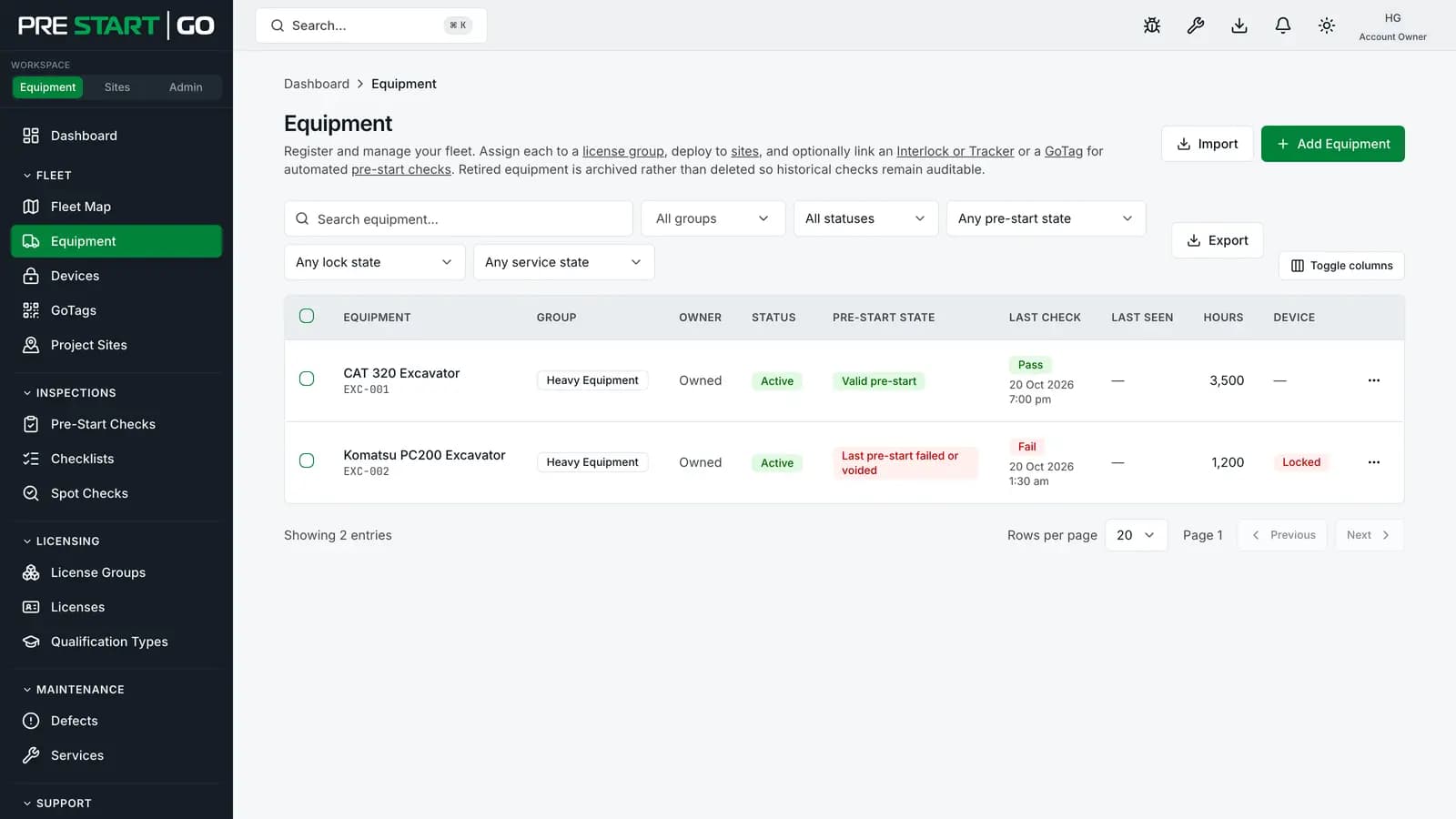
Create your equipment groups. Group by what people are licensed to operate — Excavators, Telehandlers, Light Vehicles. This is the step the others hang off: equipment can't be registered without a group, and licences are scoped to groups.
- 3
Register your equipment. One at a time, or in bulk by CSV import for a bigger fleet. Give each machine its make, model and identifiers — this is the record every inspection will hang off. See Managing Your Fleet.
Warning
The one hard rule of day 1: groups before machines, and groups before licences. Both dependencies are enforced, so a tidy set of groups first makes everything after it frictionless.
Day 2 — checklists and identity tags
- 1
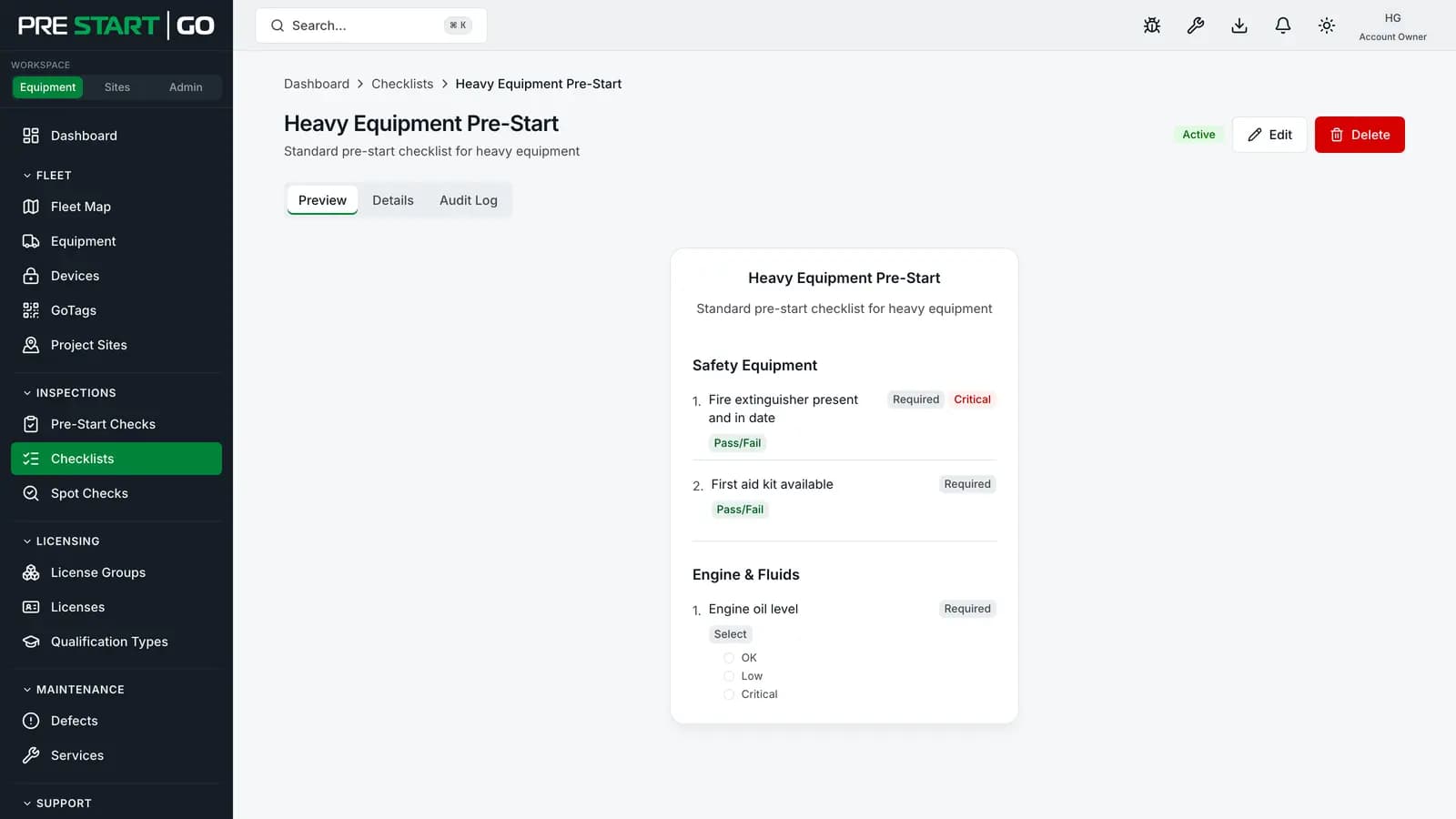
Build your pre-start checklist template — or start from your existing paper one, item by item, marking the genuinely critical items as critical (they block the machine on failure). Assign a default template per group, so every machine in the group inherits it. See Working with Checklist Templates.
- 2
Fit a GoTag to each machine and have it installed against the record — fitting is a two-minute job anyone can do; the install step is Technician work. See Fitting and Placing a GoTag.
Day 3 — people
- 1
Invite your console users — the office side: managers, editors, viewers. See Inviting Your Team.
- 2
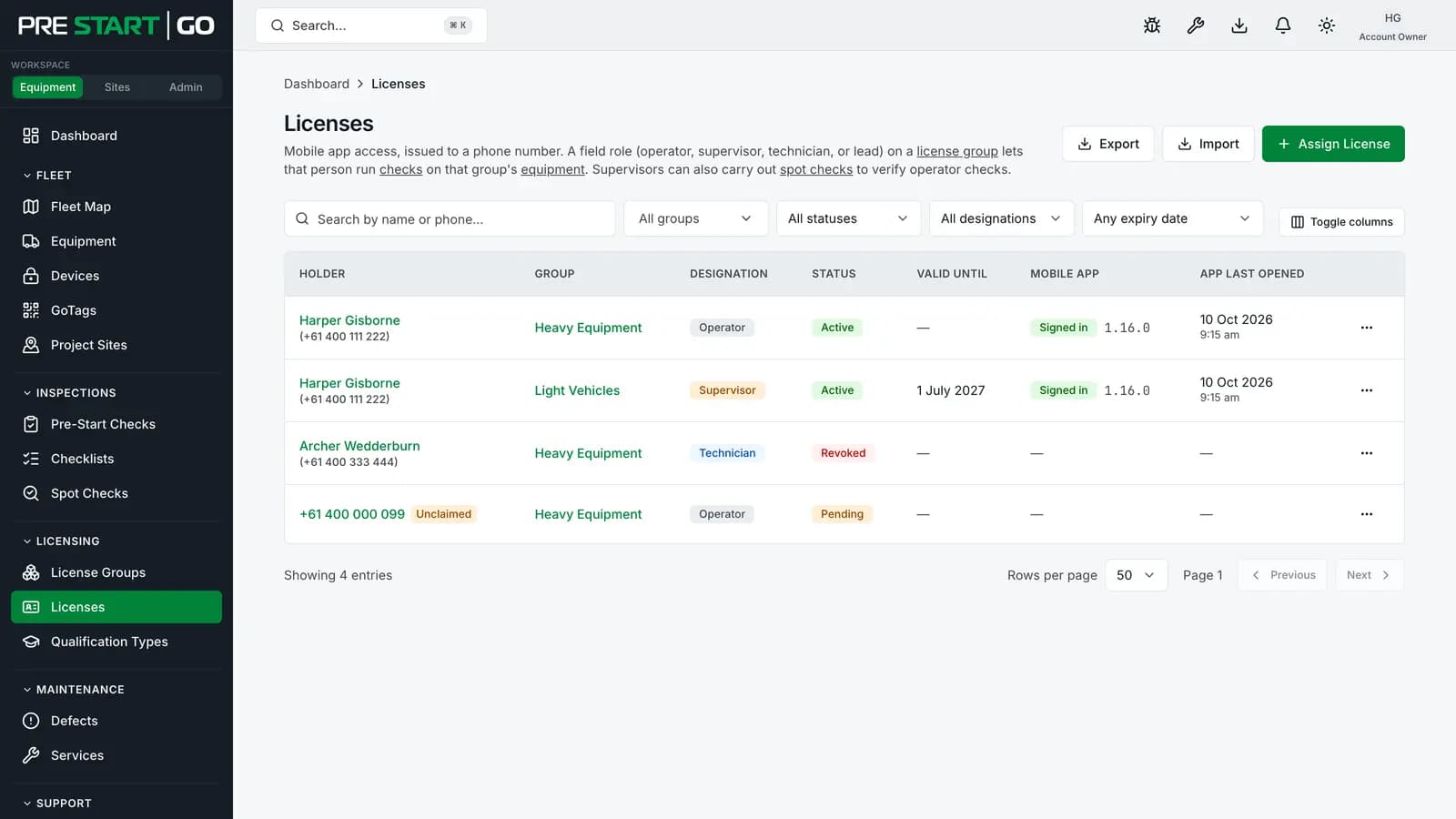
Licence your operators — create licences against phone numbers, per group, including at least one Technician licence (you'll need it for the hardware day). Operators sign in to the mobile app with their number; no invites, no passwords.
- 3
Have operators install the app and sign in — their machines appear as soon as their licence covers the group.
Day 4 — hardware enforcement
- 1
Book the auto electrician. Interlock installation is licensed-electrician work — the wiring rules are safety-critical. Plan 30–60 minutes per machine. See Installing Your Interlock.
- 2
Commission each Interlock at the machine. Your Technician runs the commissioning flow in the app, standing at the machine — it binds the device to your organisation, records how it's wired, and ends with the machine locked and awaiting its first inspection.
GoTag-only machines skip this day entirely — they get the full digital record without the physical enforcement, and you can add Interlocks machine by machine later.
Day 5 — the first real pre-start
- 1
Walk one machine through end to end. An operator scans the GoTag, completes the checklist, and — on a pass — the Interlock unlocks and the machine starts. See Completing a Pre-Start Inspection.
- 2
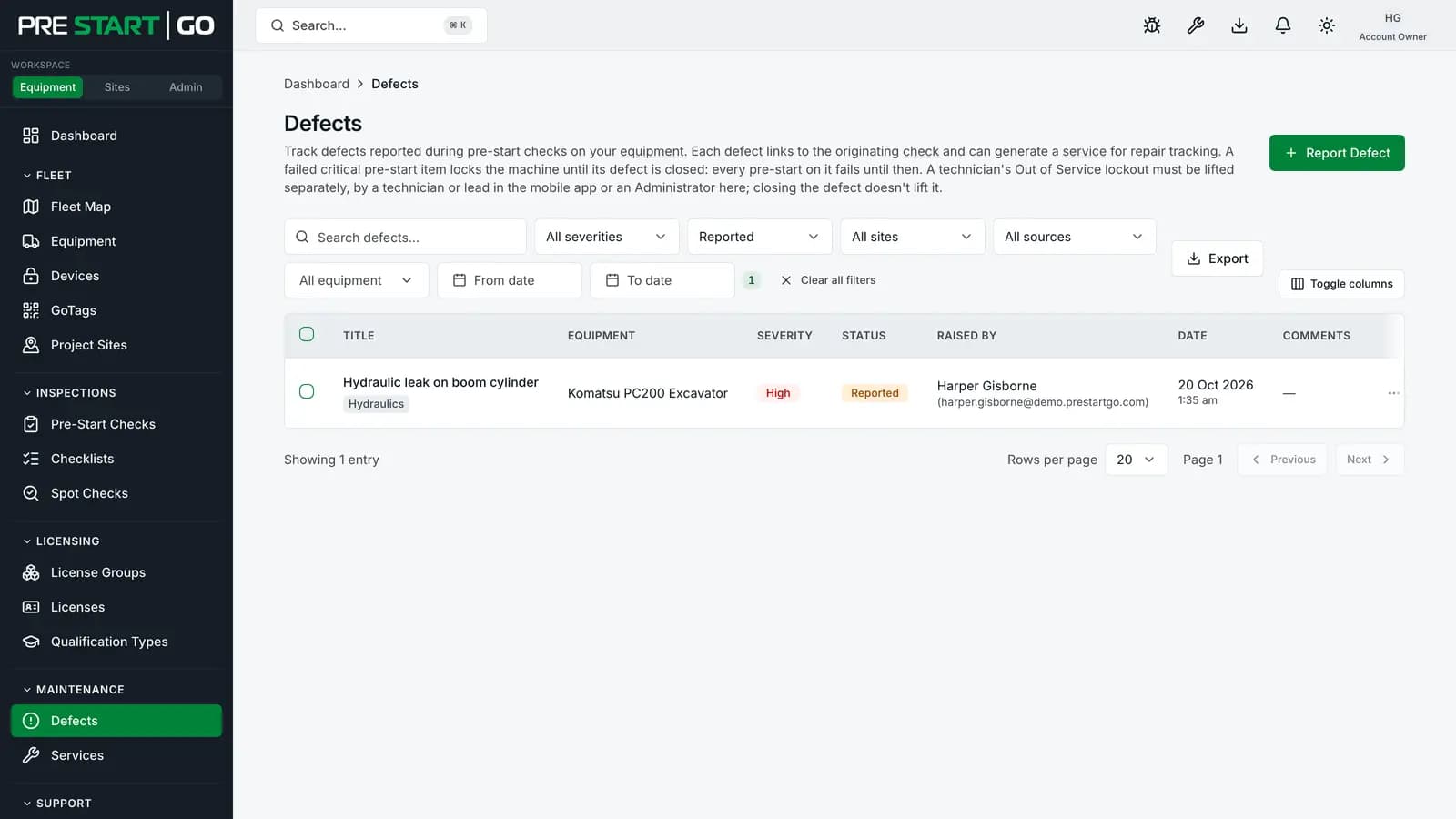
Fail something on purpose. Mark a critical item as failed on a test run and watch the machine stay locked and the defect land in the console — knowing what failure looks like is half the training. See Triaging Defects in the Console.
- 3
Tour the console. The dashboard, the Audit Log, and Reports — this is what audit-readiness looks like from now on: generated, not compiled.
Reference: the order dependencies
| This… | must come before… | because… |
|---|---|---|
| Equipment groups | Registering equipment | Every machine requires a group |
| Equipment groups | Creating operator licences | Every licence is scoped to a group |
| A pre-start template | The first inspection | The checklist is resolved from the group or machine default |
| A Technician licence | Commissioning Interlocks, installing GoTags | Hardware lifecycle actions are Technician-only |
| The GoTag install step | Walk-up scanning | A fitted-but-uninstalled tag resolves to nothing |
Troubleshooting
| Symptom | Likely cause | What to do |
|---|---|---|
| Can't register a machine | No equipment group yet | Create the group first — the dependency is enforced |
| Operator's app shows no machines | Licence missing, expired, or for the wrong group | Check the licence against the group the machines actually sit in |
| "No checklist available" starting an inspection | No pre-start template resolves for that machine | Set a default template on the group (or the machine) |
| Commissioning won't start | Signed-in user isn't a Technician for that group | Grant a Technician licence — see day 3 |
| The pre-start passed but the machine won't crank | Wiring or commissioning issue | Work the installation verification list |