Overview
Bluetooth is the only path between the app and an Interlock, so when it misbehaves the unlock does too. Work this list top to bottom — it's ordered by how often each cause turns out to be the one.
1. Bluetooth off, or permissions missing
The app can't scan or connect with Bluetooth off, or without its permissions:
- Bluetooth permission — required on both platforms.
- Location permission (Android) — Android requires location for BLE scanning even though no GPS is involved; without it, scanning silently fails. Grant "While using the app" — PreStartGo never requests background location.
- Nearby Devices permission — Android 12 and later.
Previously-denied permissions need re-enabling from the phone's app settings — the app can't re-prompt forever.
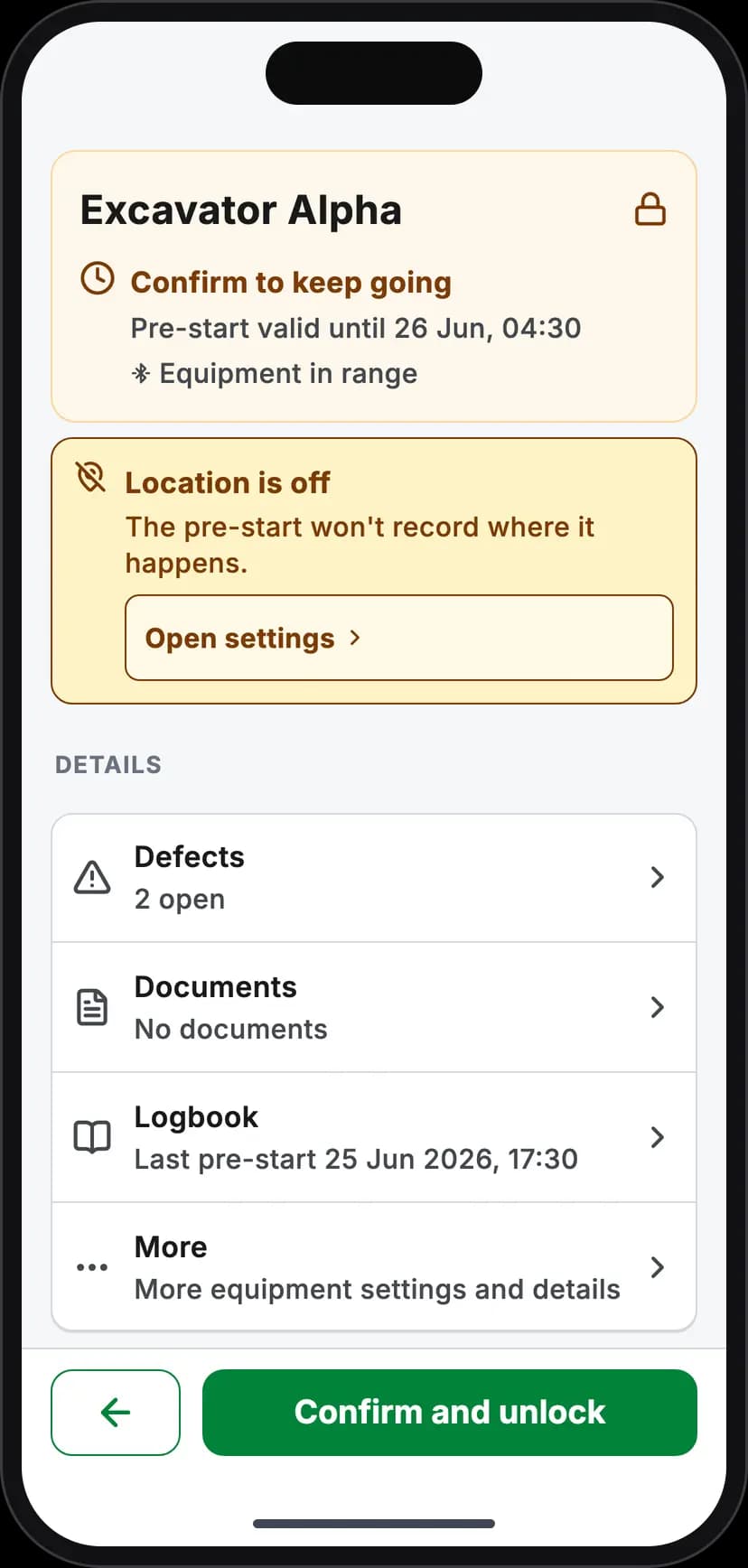
Bluetooth off: the pre-start is still recorded, but nothing unlocks
2. The Interlock has no power
An Interlock advertises whenever it has power, so a powered one always shows up in a scan — it never goes to sleep. If it doesn't show up, check its power first:
- Ignition-powered Interlocks run only with the key on. Turn the key on, then retry.
- A dark LED means no power at all — see the LED table below.
On ignition-powered machines, a key that's off is the most commonly misdiagnosed "connection issue".
3. Check the LED
The LED tells you whether you have a Bluetooth problem or a different problem entirely:
| LED | It means | Bluetooth-wise |
|---|---|---|
| Dark | No power to the Interlock | Nothing to connect to — check supply and fuse |
| Red or green solid | Normal locked/unlocked state | Connectable |
| Amber flashing | Hardware fault | Still connectable — connecting actually triggers recovery |
| Blue solid | A phone is already connected | The Interlock takes one connection at a time — see below |
4. Range and interference
BLE reaches roughly 10–15 metres in the open, less through metal cabins, engine bays and steel — and an Interlock is mounted hidden, often deep in exactly that. Stand close to the machine (near the cab, not across the yard) and retry. Yards full of machinery and 2.4 GHz noise shrink range further.
5. Someone else is connected
An Interlock accepts one phone at a time, and drops an idle connection after five minutes. Blue solid LED = someone's phone (possibly in a pocket, still linked) is holding the slot. Have them close the app or walk out of range, then retry.
6. Right machine, right device
Several machines together means several Interlocks in range. The app binds commands to the machine you're working on — but for technicians working device-level, confirm the serial: every Interlock's D- serial is on its label.
7. Connection drops mid-flow
If the link drops during an inspection or unlock, the app retries automatically — stay in range until the flow completes. Your inspection answers are never lost to a BLE drop (they're saved on the phone regardless); it's only the unlock exchange that needs the link, and Retry re-runs just that.
Don't force-close the app mid-connection — let it disconnect cleanly.
The escalation ladder
In order, when the above hasn't fixed it: toggle Bluetooth off/on → restart the app → restart the phone → try a second phone (this splits phone-side from Interlock-side in one move) → check for app updates → contact support with the machine, the Interlock serial, and what the LED shows.
Troubleshooting
Quick reference of the patterns above:
| Symptom | First move |
|---|---|
| Machine not in scan results | Check its power — on an ignition-powered Interlock, turn the key on |
| Scanning finds nothing at all (Android) | Grant the location permission — scanning silently fails without it |
| Blue solid LED, can't connect | Another phone holds the connection — one at a time |
| Connects then drops | Range — get closer to the Interlock's actual mounting spot |
| LED dark | Power problem, not Bluetooth — supply and fuse |
| Everything looks right, still failing | Second phone test, then support with the serial |